
QuickBooks Setup Made Easy: A Step-by-Step Guide for Small Businesses in Corona, CA
SA
Setting up QuickBooks for your small business in Corona, CA, doesn't have to be a daunting task. Whether you're new to accounting software or transitioning from another platform, this guide will help you get started quickly and efficiently. Let's dive into the essential steps to make your QuickBooks setup a breeze.
Why QuickBooks?
QuickBooks is a popular choice for small businesses due to its user-friendly interface and robust features. It helps in managing finances, tracking expenses, and generating reports with ease. Choosing QuickBooks means opting for a solution that can grow with your business.

Getting Started with QuickBooks
Selecting the Right Version
QuickBooks offers several versions, including Online, Pro, Premier, and Enterprise. For small businesses in Corona, CA, QuickBooks Online is often the most convenient, providing access from anywhere and easy collaboration with your accountant.
Creating Your Account
To begin, visit the QuickBooks website and create an account. You'll need to provide some basic information about your business, such as your industry and the number of employees. Once registered, you can customize your account settings to match your business needs.

Setting Up Your Chart of Accounts
A chart of accounts is a list of all the accounts your business uses to track its financial transactions. QuickBooks simplifies this process by providing templates based on your industry. Review these and make adjustments as necessary to fit your specific business model.
Connecting Your Bank Accounts
Linking your bank accounts to QuickBooks allows for seamless transaction tracking. You'll be able to import transactions directly from your bank, which saves time and reduces errors. Follow the prompts in QuickBooks to securely connect your accounts.

Customizing Invoices and Sales Forms
QuickBooks enables you to create professional invoices that reflect your brand. Customize templates with your logo, color scheme, and payment terms to ensure consistency and professionalism in your communications with clients.
Setting Up Payroll
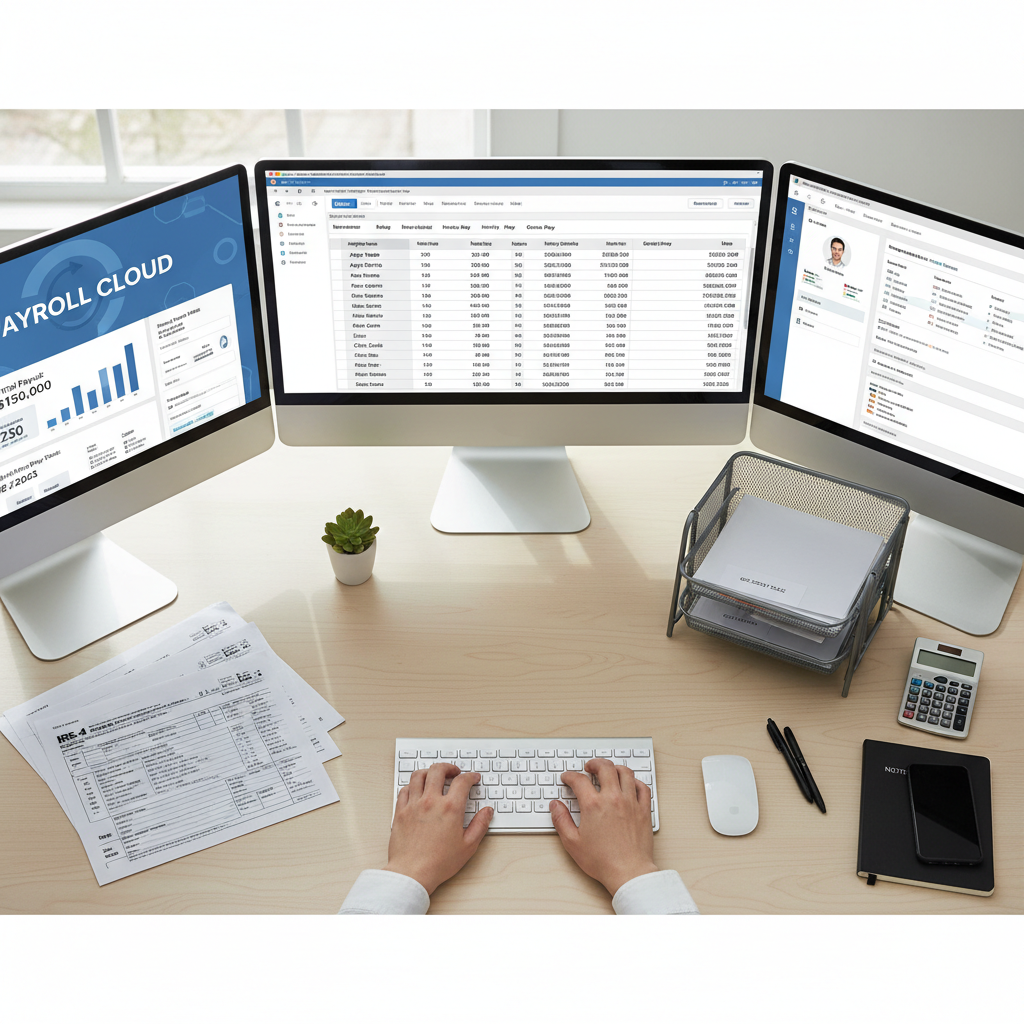
If you have employees, setting up payroll in QuickBooks is essential. The software guides you through adding employees and configuring pay schedules, taxes, and deductions. This feature ensures timely and accurate payroll processing.
Utilizing Reports and Insights
One of the greatest advantages of QuickBooks is its ability to generate insightful reports. From profit and loss statements to cash flow analysis, these reports provide valuable information to help you make informed business decisions.
By following these steps, you'll have QuickBooks up and running smoothly for your small business in Corona, CA. With a little time and effort, you can streamline your financial operations and focus on what you do best—growing your business.