
QuickBooks Setup Made Easy: A Step-by-Step Guide for Small Businesses in Corona, CA
SA
Introduction to QuickBooks
As a small business owner in Corona, CA, managing your finances efficiently is crucial for success. QuickBooks is a powerful tool designed to make accounting easier and more manageable. This guide will walk you through the steps to set up QuickBooks, ensuring you can focus on growing your business with confidence.

Choosing the Right QuickBooks Version
Before diving into the setup process, it's essential to choose the right version of QuickBooks. Whether you opt for QuickBooks Online or QuickBooks Desktop depends on your specific business needs. QuickBooks Online is ideal for those who require remote access and collaboration, while QuickBooks Desktop offers more robust features for complex accounting tasks.
Setting Up Your Company File
Once you've selected the appropriate version, the next step is to set up your company file. Follow these steps to get started:
- Open QuickBooks and select Create a new company.
- Enter your business details, including name, address, and industry.
- Choose your preferred accounting method - either cash or accrual basis.

Connecting Your Bank Accounts
Connecting your bank accounts to QuickBooks saves time and reduces errors. This allows you to automatically import transactions, making reconciliation much simpler. To connect your accounts, navigate to the Banking menu and follow the prompts to link your bank.
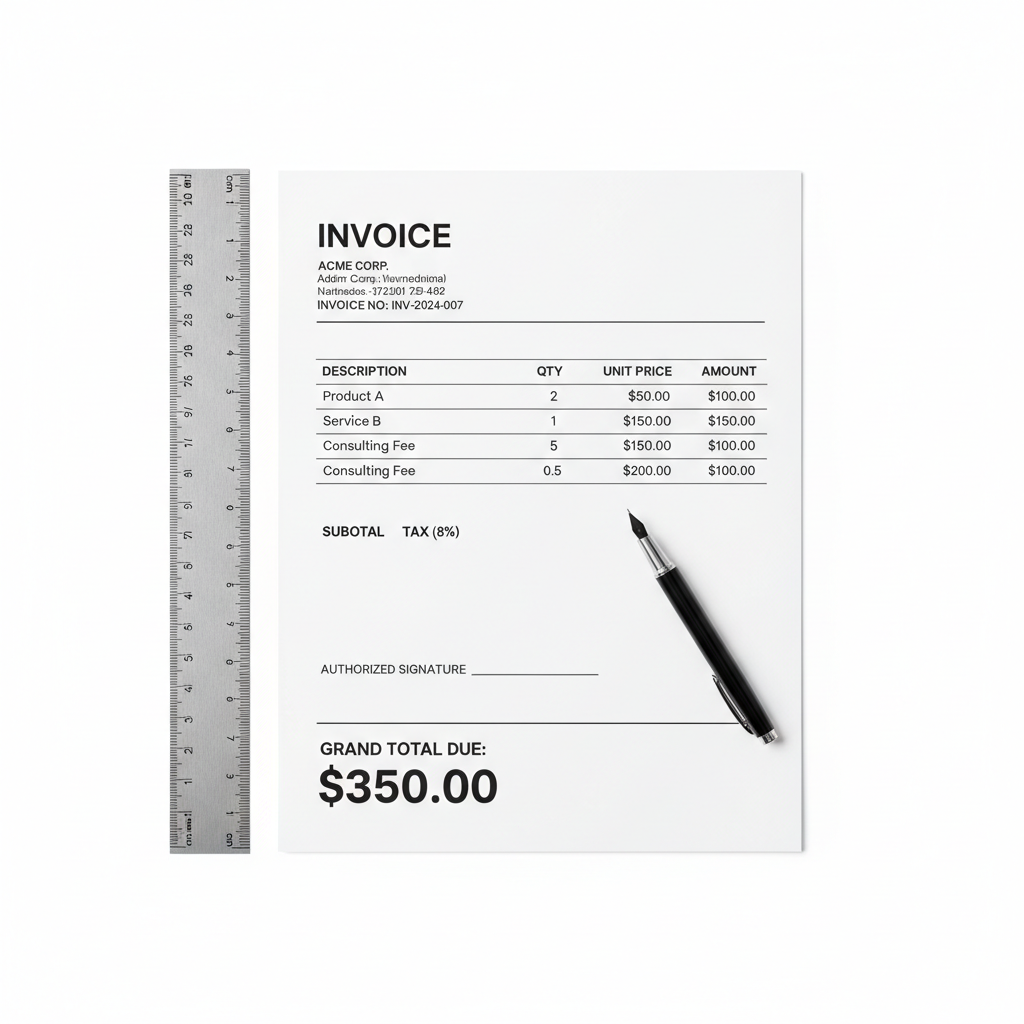
Customizing Your Invoices
Creating professional invoices is crucial for maintaining your brand image. QuickBooks allows you to customize invoice templates to reflect your business identity. You can add your logo, change the color scheme, and include specific payment terms to streamline the billing process.
Setting Up Payroll
If your business has employees, setting up payroll in QuickBooks is a must. QuickBooks Payroll simplifies the process of calculating and filing payroll taxes. To get started, navigate to the Payroll section and follow the setup wizard to input employee information and tax details.
Generating Reports
One of the most powerful features of QuickBooks is its ability to generate detailed financial reports. These reports provide insights into your business’s financial health, helping you make informed decisions. From profit and loss statements to balance sheets, QuickBooks offers a wide range of customizable reports.
Seeking Professional Help
While QuickBooks is user-friendly, setting it up correctly can be challenging. If you encounter any difficulties, consider seeking professional help from a QuickBooks ProAdvisor or a local accounting expert in Corona, CA. Their expertise can save you time and ensure your setup is error-free.

Conclusion
Setting up QuickBooks doesn't have to be daunting. With this step-by-step guide, you can establish a solid financial foundation for your small business in Corona, CA. Whether you're managing invoices, tracking expenses, or running payroll, QuickBooks provides the tools you need to succeed.